Basic Concepts
Before you start building, it helps to know how Lucity thinks about your infrastructure. These aren't proprietary abstractions. They map directly to Kubernetes and GitOps primitives. We just made them easier to work with.
Projects
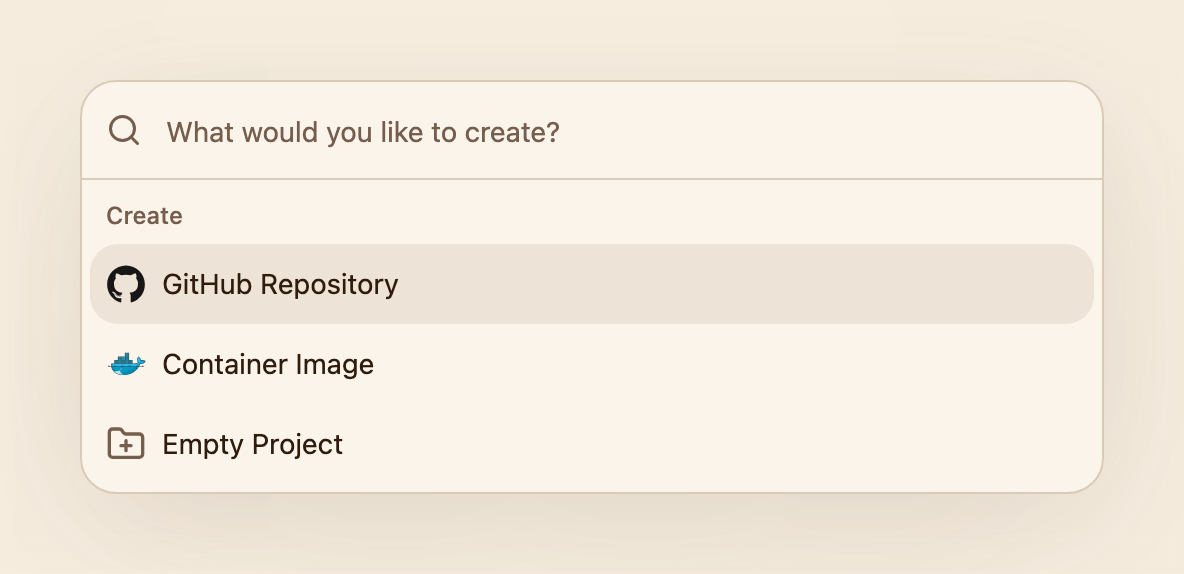
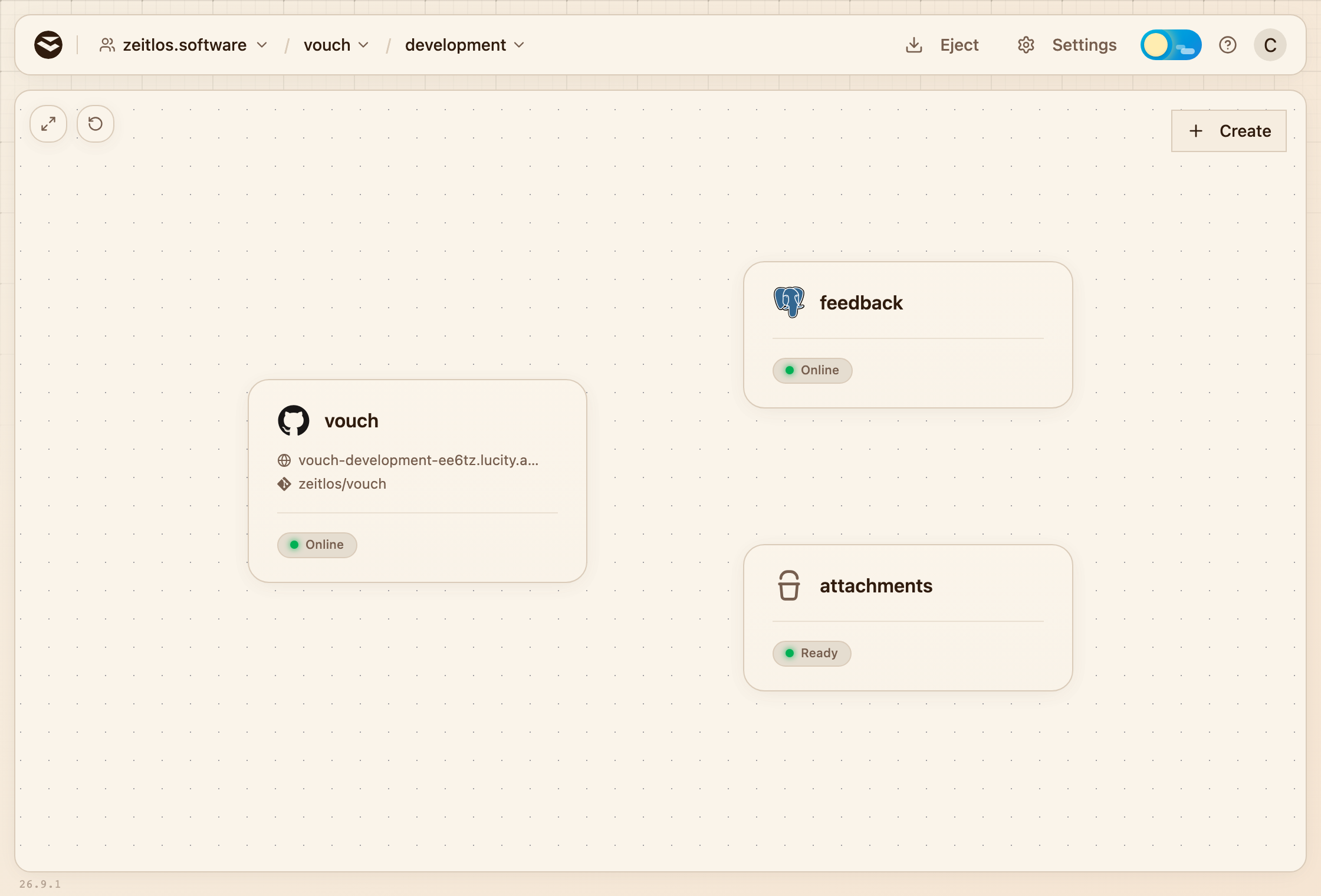
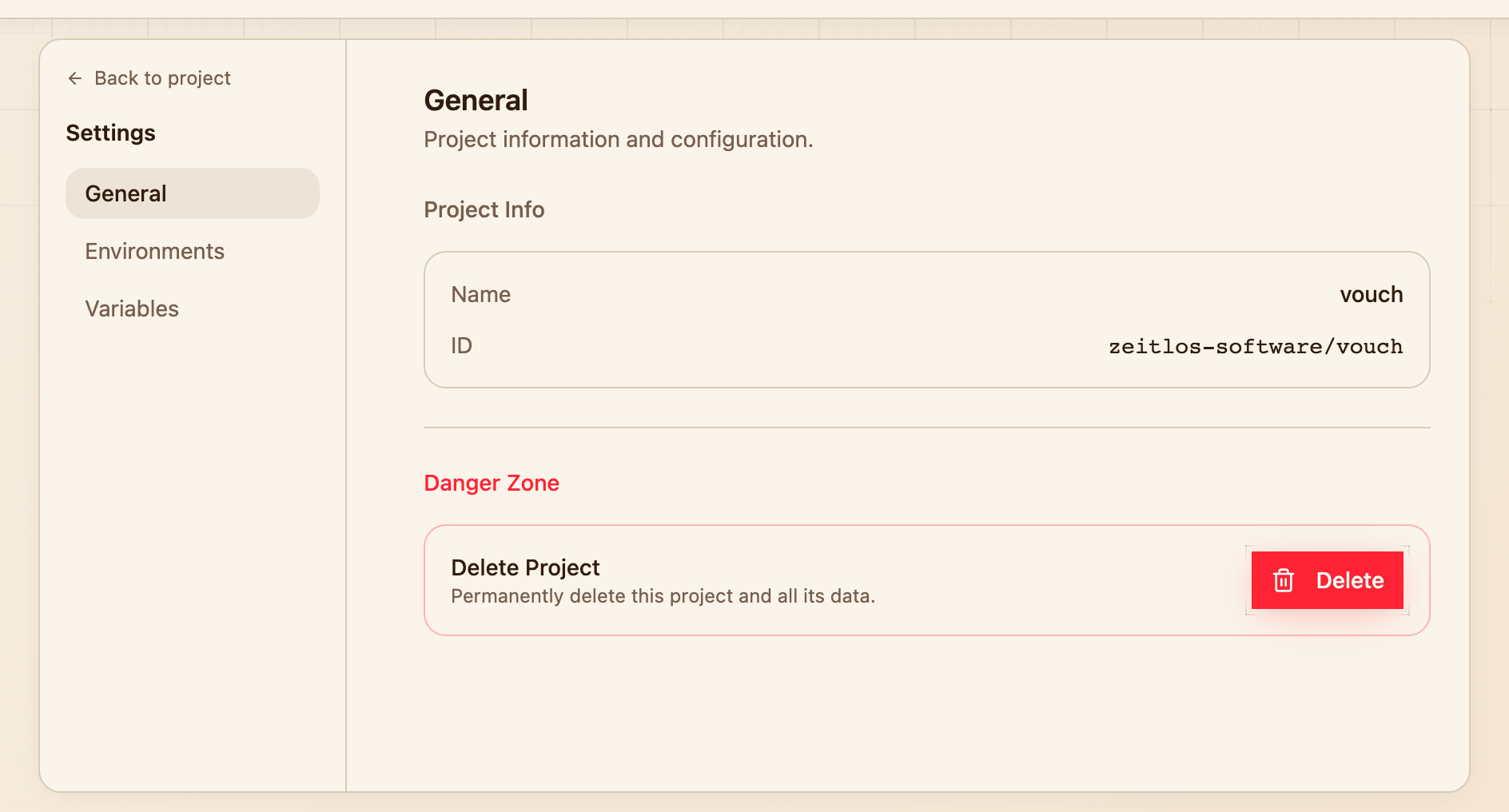
A project is the top-level container for everything related to your application: services, environments, and deployments all live under a project.
When you create a project, you give it a name. That's it. No repo URL, no GitHub connection at the project level. Source repositories are connected per-service, which means a single project can pull services from multiple GitHub repos, a common pattern for teams with separate frontend and backend repositories.
Behind the scenes, Lucity creates a GitOps repository to manage your deployment configuration. This is where Helm values, environment overrides, and deployment state live. You own both repos, but Lucity only touches the GitOps one.
Services
A service is a deployable unit within your project. Think of it as a single process: a web server, an API, a background worker.
Each service connects to a source repository. Lucity auto-detects services from your source code using railpack. It figures out the language, framework, build command, and start command without you writing a Dockerfile. If railpack gets it wrong (rare, but it happens), you can always configure a service manually with a specific port.
A project can have multiple services from the same repo (monorepo) or from different repos entirely. An API service from one GitHub repo and a frontend service from another, both living under the same project.
Environments
Environments are isolated deployment targets. Each one gets its own Kubernetes namespace, its own set of Helm values, and its own running workloads.
When you create a project, Lucity creates a development environment automatically. Additional environments like staging and production are created on-demand when you need them. No upfront decisions about your deployment pipeline.
You can also create ephemeral environments for PR previews, feature testing, or load testing. These are lightweight, share the same chart as permanent environments, and can be deleted when they've served their purpose.
Builds
When you deploy, Lucity builds a container image from your source code. Railpack handles the detection and build plan, so no Dockerfile is needed (though you can bring your own if you prefer).
Builds move through a clear set of phases:
- QUEUED: the build is waiting to start
- CLONING: pulling your source code from GitHub
- BUILDING: compiling, bundling, doing the actual work
- PUSHING: uploading the finished image to the OCI registry (Zot)
- SUCCEEDED: done, the image is ready for deployment
If something goes wrong, the build fails with logs you can actually read. No 500-line stack traces from a mystery build system.
Deployments
After a build succeeds, the new image tag is committed to your GitOps repository and ArgoCD syncs it to Kubernetes. That's it. A Git commit triggers a deployment, and ArgoCD makes the cluster match what's in the repo.
You can watch deployments happen in real time with streaming logs in the dashboard. When ArgoCD reports the rollout is healthy, you'll see it. When something goes wrong, you'll see that too, with the actual error, not a generic "deployment failed" message.
Promotion
Here's where it gets good. Instead of rebuilding your app for each environment (and praying the staging build is identical to what you tested), you promote an image from one environment to another.
The image that passed your staging tests is the exact same image that runs in production. Same bytes, same digest, same everything. Promotion just copies the image tag between environment configs. No rebuild, no re-download, no surprises.
This is how you stop saying "it worked in staging" and start knowing it works in production.
Ejectability
This is the big one. The thing no other PaaS gives you.
At any point, you can run lucity eject and get a complete, self-contained export of your entire setup:
- Helm charts: the full
lucity-appchart with all templates - ArgoCD Application manifests: ready to apply
- Environment overrides: your dev/staging/prod values files
- A setup guide: prerequisites, commands, how to modify things
The output has zero Lucity dependencies. Point your own ArgoCD at the exported repo and run independently. You're not renting your infrastructure from us. You own it, and you can take it with you whenever you want.
Try asking Railway or Heroku for that. (Spoiler: they'll offer you a CSV export and a pat on the back.)
Environment Variables
Configuration flows into your services through environment variables. Lucity supports several types:
- Shared variables: key-value pairs applied across all services in an environment. Useful for common configuration like API URLs or feature flags.
- Service variables: key-value pairs scoped to a single service. These override shared variables when both define the same key.
- Database references: automatically generated connection strings from your databases. Reference a database and Lucity injects the URI, host, port, user, password, and database name as environment variables.
- Service references: connect services to each other by generating internal URLs automatically.
Variables are stored in the GitOps repo as Helm values and end up as ConfigMaps and pod environment variables in Kubernetes.
Scaling
Services can be scaled manually or automatically:
- Manual scaling: set a fixed number of replicas per service per environment.
- Autoscaling: configure a Horizontal Pod Autoscaler (HPA) with min/max replicas and a target CPU percentage. Kubernetes scales your service up and down based on actual load.
Scaling is configured per environment, so you can run one replica in development and autoscale between 2 and 10 in production.
Billing
Lucity Cloud offers two plans: Hobby and Pro. Each plan includes a monthly credit allowance that covers resource usage (CPU, memory, disk, egress). Usage beyond the included credits is billed at the end of each cycle.
Self-hosting is always free. The open-source platform includes all features with no limits.
Two-Repository Model
Lucity separates source code from deployment configuration:
- Your source repos on GitHub. These are yours. Lucity reads from them to build images but never, ever writes to them. Not a commit, not a file, not even a
.lucity.yamlconfig file. Your repos stay clean. A project can reference one or many source repos. Each service has its own. - The GitOps repo, managed entirely by the platform. This contains Helm values for each environment, organized in a clean directory structure. Every deployment is a Git commit here, giving you a full audit trail and the ability to roll back by reverting a commit.
This separation keeps your application code and deployment configuration independent. You can change your deployment strategy without touching your source code, and vice versa.
Concept Map
Every Lucity concept maps directly to standard Kubernetes and GitOps primitives. No proprietary resources, no custom operators, no hidden state.
| Concept | Source of Truth | Kubernetes |
|---|---|---|
| Project | GitOps repo on Soft-serve ({project}-gitops) | Namespaces discovered via lucity.dev/project label |
| Environment | environments/{env}/values.yaml in GitOps repo | Namespace {project}-{env} + ArgoCD Application |
| Service | base/values.yaml → services.{name} | Deployment + ClusterIP Service |
| Database | base/values.yaml → databases.postgres.{name} | CloudNativePG Cluster CRD + auto-generated Secret |
| Build | OCI image in Zot registry | Tagged with commit SHA, labeled with source metadata |
| Deployment | Git commit (deploy({env}): {service} {tag}) | ArgoCD sync → rolling update |
| Promotion | Image tag copied between environment values | No rebuild, same image digest |
| Domain | services.{name}.domains[] in environment values | Gateway API HTTPRoute |
| Cron Job | cronJobs.{name} in environment values | CronJob |
| Shared Variable | config.{name} in environment values | ConfigMap |
| Service Variable | services.{name}.env in environment values | Pod env vars |
| Database Ref | services.{name}.databaseRefs in environment values | Secret from CNPG (uri, host, password, etc.) |
If you ever want to peek behind the curtain, kubectl get namespaces -l lucity.dev/project will show you exactly what Lucity created.