
Logs
There are two kinds of logs. Runtime logs are what a service prints while it runs, and deployment logs are the output of each step of a deployment.
Runtime logs
Open a service on the canvas and click Logs next to the Deployments tab. The logs open in a panel of their own and stream live.
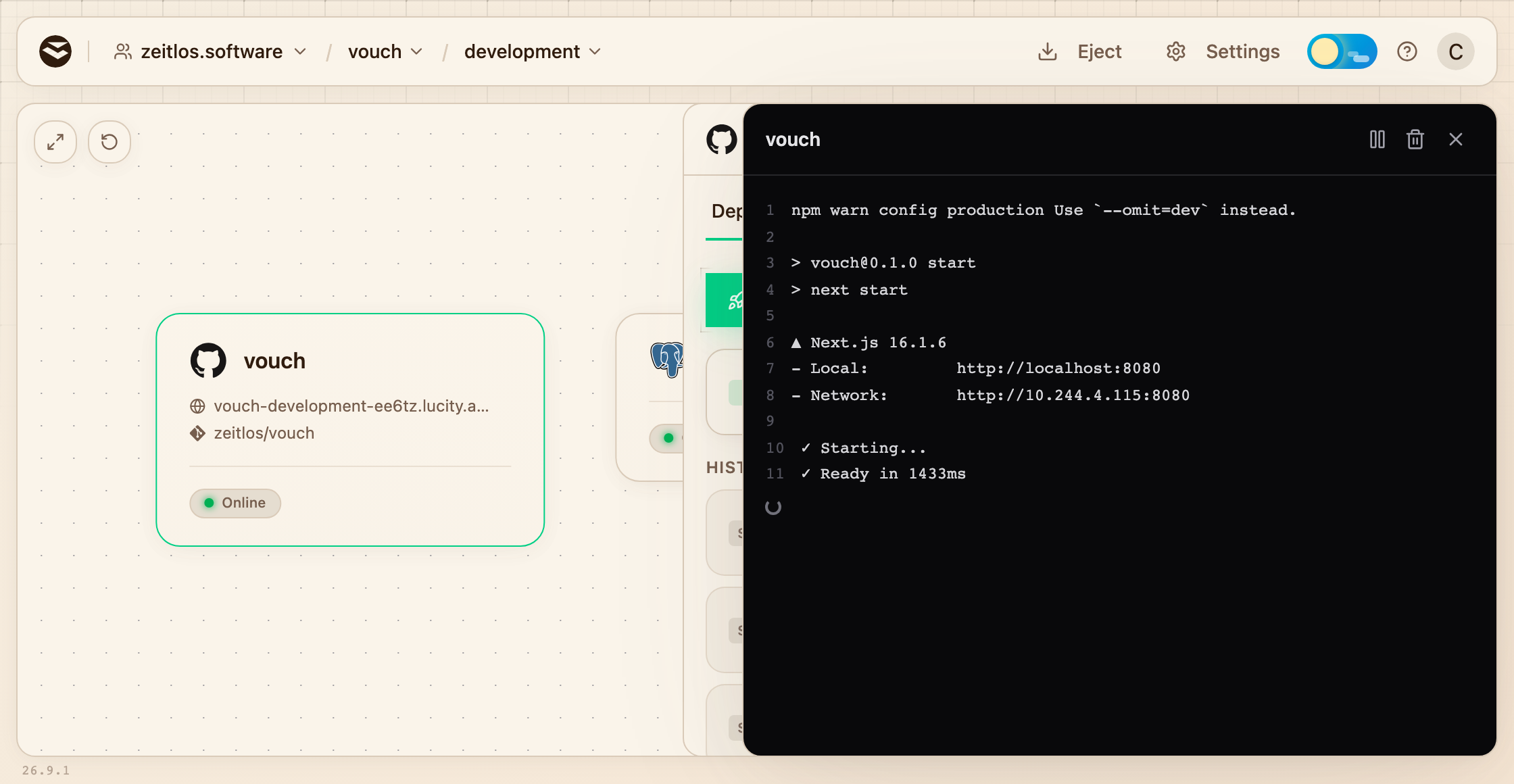
A service's output as it starts up. Pause and clear sit in the top right.
The panel starts with the last 1000 lines of each running replica and then follows along as new lines come in. When a service runs more than one replica, each line starts with a short ID of the replica that printed it.
The panel sticks with the replicas that were running when you opened it, so reopen it after a deployment to follow the new ones. If a service keeps crashing, the logs show what the last attempt printed before it exited.
Deployment logs
Open the service's Deployments tab, expand a deployment and click Logs next to Build, Secrets or Deploy. The logs stream while the step runs and stay available for a week. After that, the deployment stays in the list but only shows its rollout.
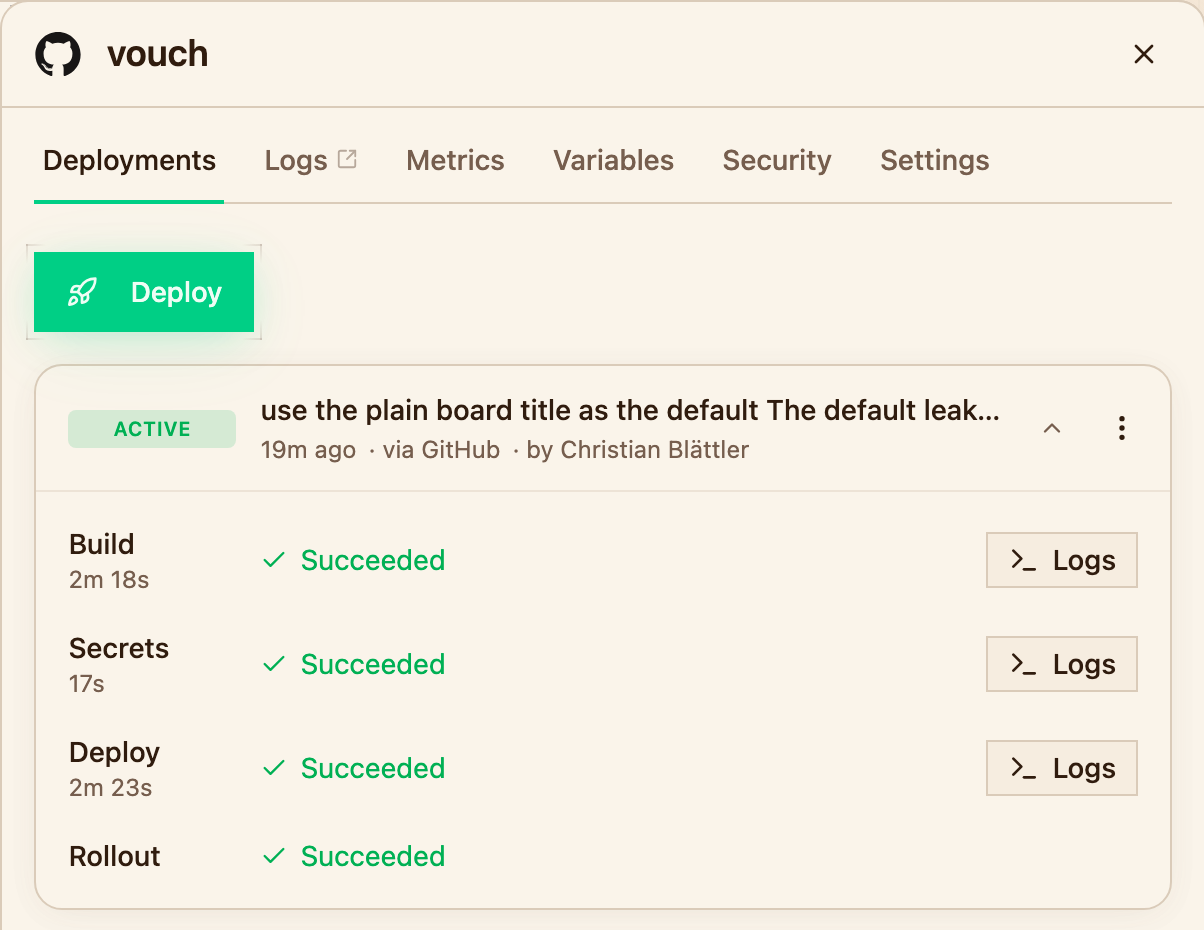
Build, Secrets and Deploy each keep their own logs.
Rollout has no logs of its own. If a new version never becomes healthy, its runtime logs usually say why.
Next steps
- Deployments for what each step does
- Builds for making sense of a failed build
- Metrics for CPU and memory over time