
Deploy your first service
By the end of this guide you will have a real application running on the internet: a Next.js feedback board, backed by a PostgreSQL database and an object storage bucket, reachable over HTTPS on a domain of its own.
It takes about fifteen minutes, most of it spent waiting for a build, and you will not write a Dockerfile, a pipeline config, or a line of YAML along the way.
You need a GitHub account. If you don't have one, sign up here(opens in a new tab) first. Everything else happens in the Lucity dashboard.
Create your Lucity account
Head to lucity.cloud/app/login(opens in a new tab) and click Continue with GitHub.
Signing in also installs the Lucity GitHub App, which is how Lucity reads your source code. GitHub will ask which repositories to grant access to. You can pick All repositories or select them one by one. Either way you can change it later, and Lucity only ever reads: it never writes to your repository.
Fork the example app
The app we're deploying is called Vouch(opens in a new tab): a small feedback board where people post ideas, vote on them, and optionally attach a screenshot.
It's worth a quick look at the code before you deploy it. Vouch is a Next.js 15 app that talks to PostgreSQL through pg and to any S3-compatible store through the AWS SDK. What it does not have is a Dockerfile, and that's the point. Lucity builds container images straight from source, detecting the language, framework, build command, and start command on its own.
Click Fork on the repository page to get your own copy. The rest of this guide assumes you're working from your fork.
Opens GitHub. You need to be signed in to fork.
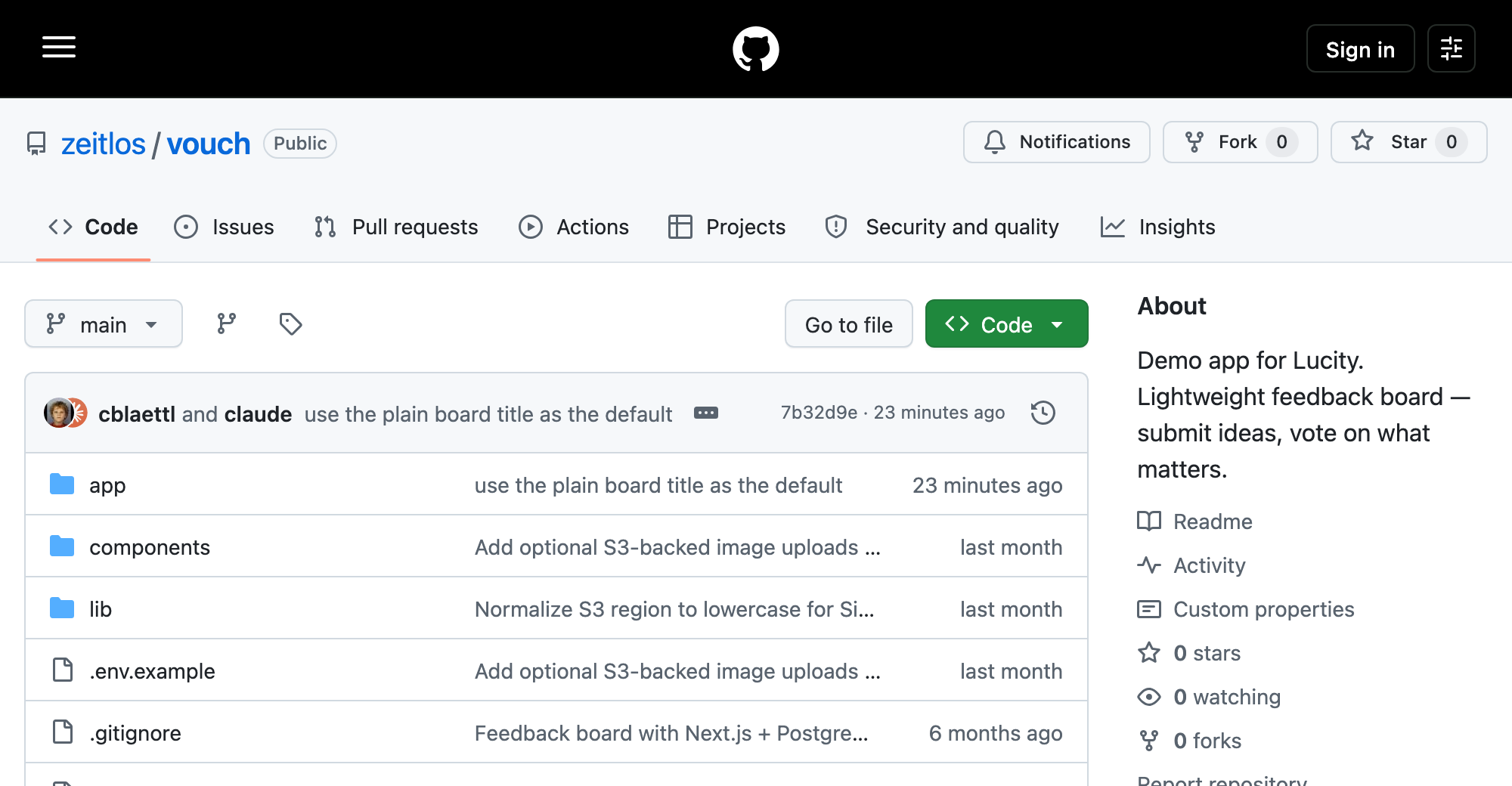
Your own copy of the repository. Everything after this points at the fork.
Create a project
Signing in drops you on the Projects page, which lists every project in your workspace and is empty on a fresh account. Click New in the top right and a command palette opens. Choose GitHub Repository, pick the account or organization that holds your fork, then search for vouch and select it.
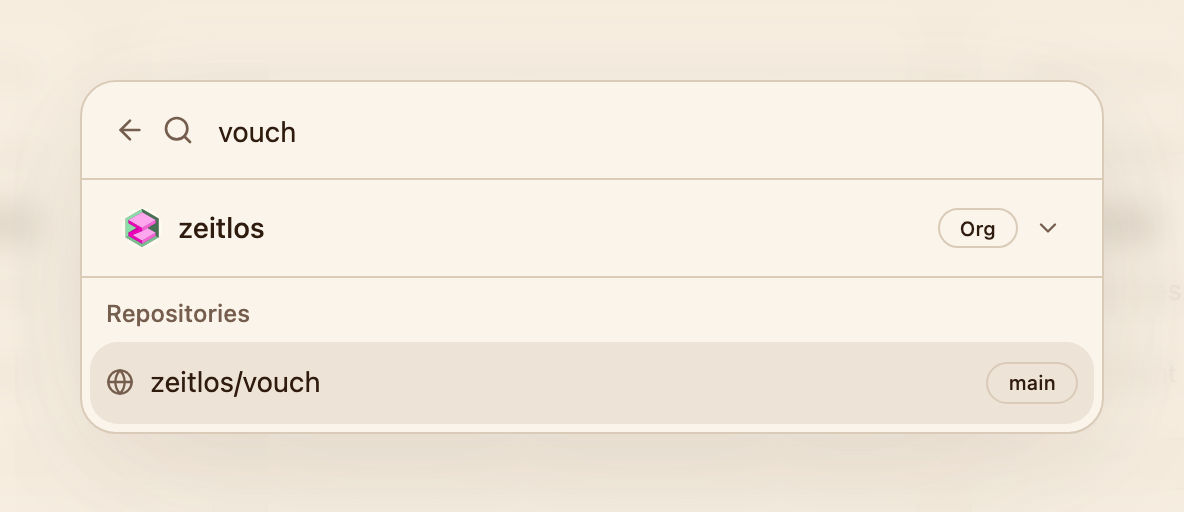
The palette lists the repositories the Lucity GitHub App can see.
Lucity inspects the repository, recognizes a Next.js app, and proposes a project and service name. Confirm those and you land on the project canvas, where your new service is already building.
A project is the container for everything your application needs. The canvas is where you see it: services, databases, buckets, and how they're wired together. Every project starts with a development environment, and you can add more later.
Watch it build
Click the service node on the canvas to open the service panel, then stay on the Deployments tab. You'll see the deployment move through its phases, and Logs gives you the raw build output as it streams in.
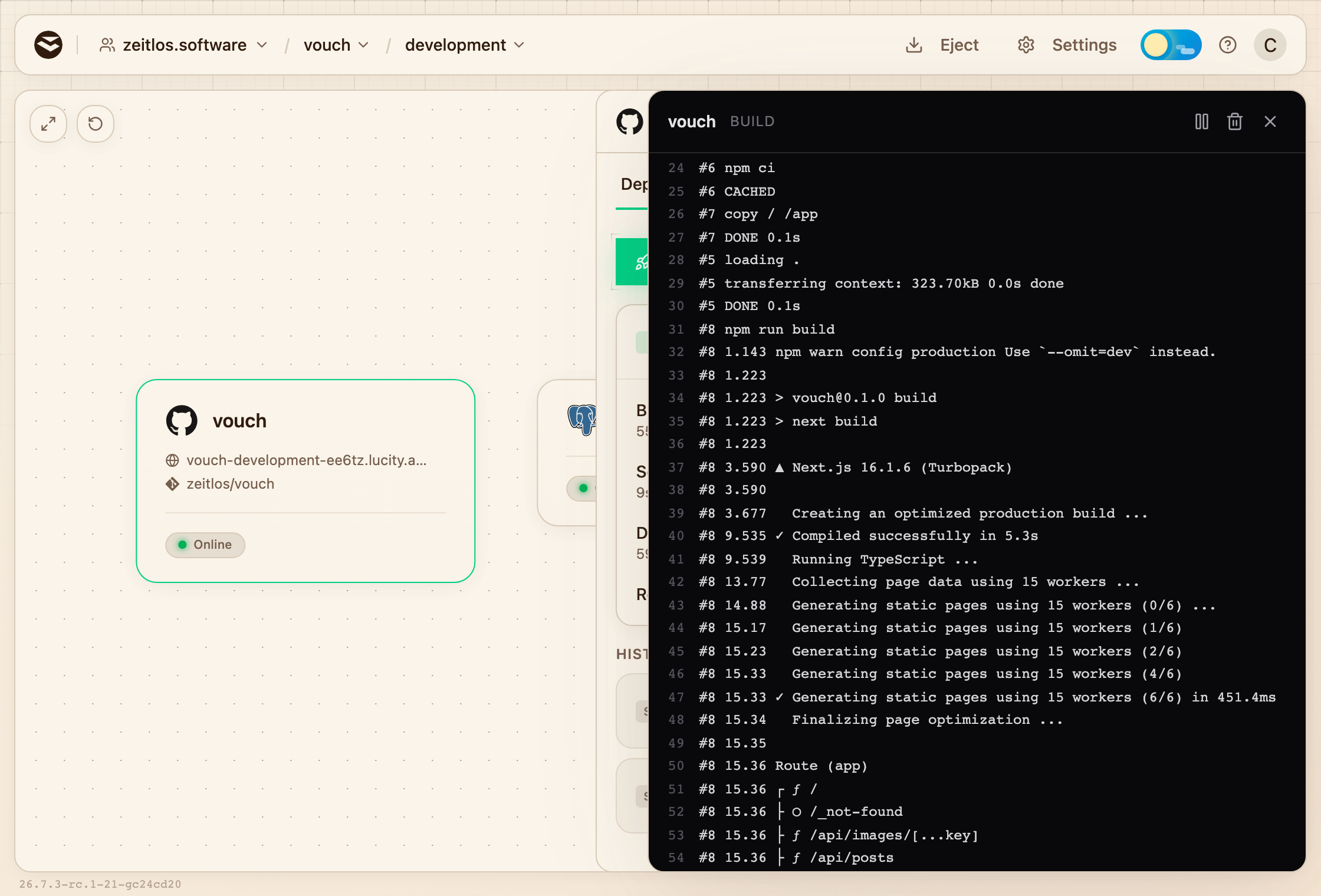
Build logs stream live: dependency install, framework build, image push.
First builds usually take two to three minutes, because there is no dependency cache to reuse yet. Later builds are faster.
When the image is built and the container is running, the service reports Online. Your app is up. It just has no way to reach it yet.
Put it on the internet
Open the Settings tab in the service panel and scroll to Platform Domain, then click Generate Domain.
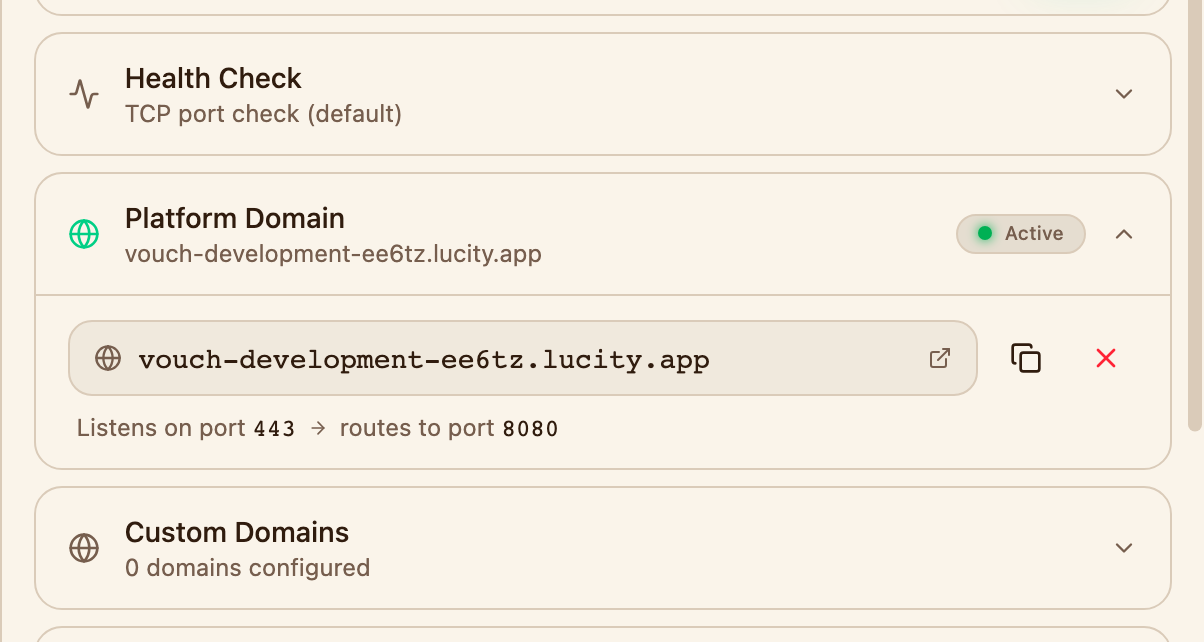
One click issues the hostname, certificate included.
A few seconds later you have something like vouch-development-a1b2c3.lucity.app, with a valid certificate and HTTPS already in place. Click it.
When you are ready to put this on a hostname you own, the Custom Domains section right below works the same way. See domains for what that involves.
There's your feedback board, live on the internet. It also says Database not connected, which is fair, because it isn't. Let's fix that.
Add a PostgreSQL database
Back on the canvas, click Create in the top right and choose PostgreSQL. Name it feedback and confirm. A database node appears next to your service and starts provisioning.
Now connect the two. Click the service node, open the Variables tab, and click Add Variable:
- Enter
DATABASE_URLas the key. - Click the link icon in the value field.
- Pick
fqdn-urifrom the Postgres: feedback group. - Save.
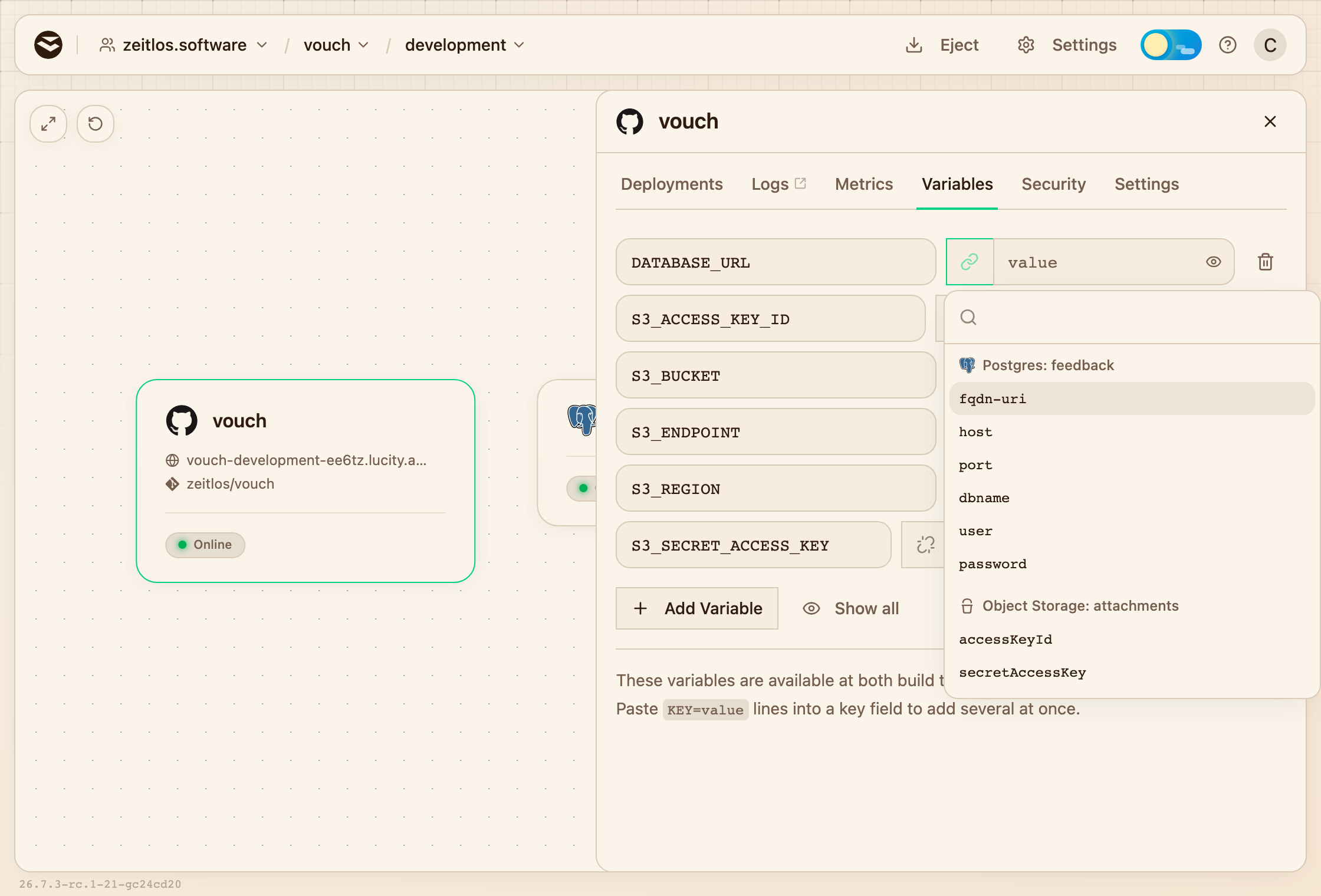
Linking DATABASE_URL to a value the platform owns, instead of pasting a connection string.
That's a dynamic variable: instead of pasting a connection string, you point at a value the platform owns. Lucity keeps it current, the credentials never sit in your repository or in your clipboard, and if the database is ever rebuilt or rotated the variable still resolves.
Saving variables rolls the service out again with the same image, so it's live in seconds. Only a source change triggers a new build.
Reload the app. The warning is gone, and the board is now writing to a real database. Add a few posts so there is something to look at.
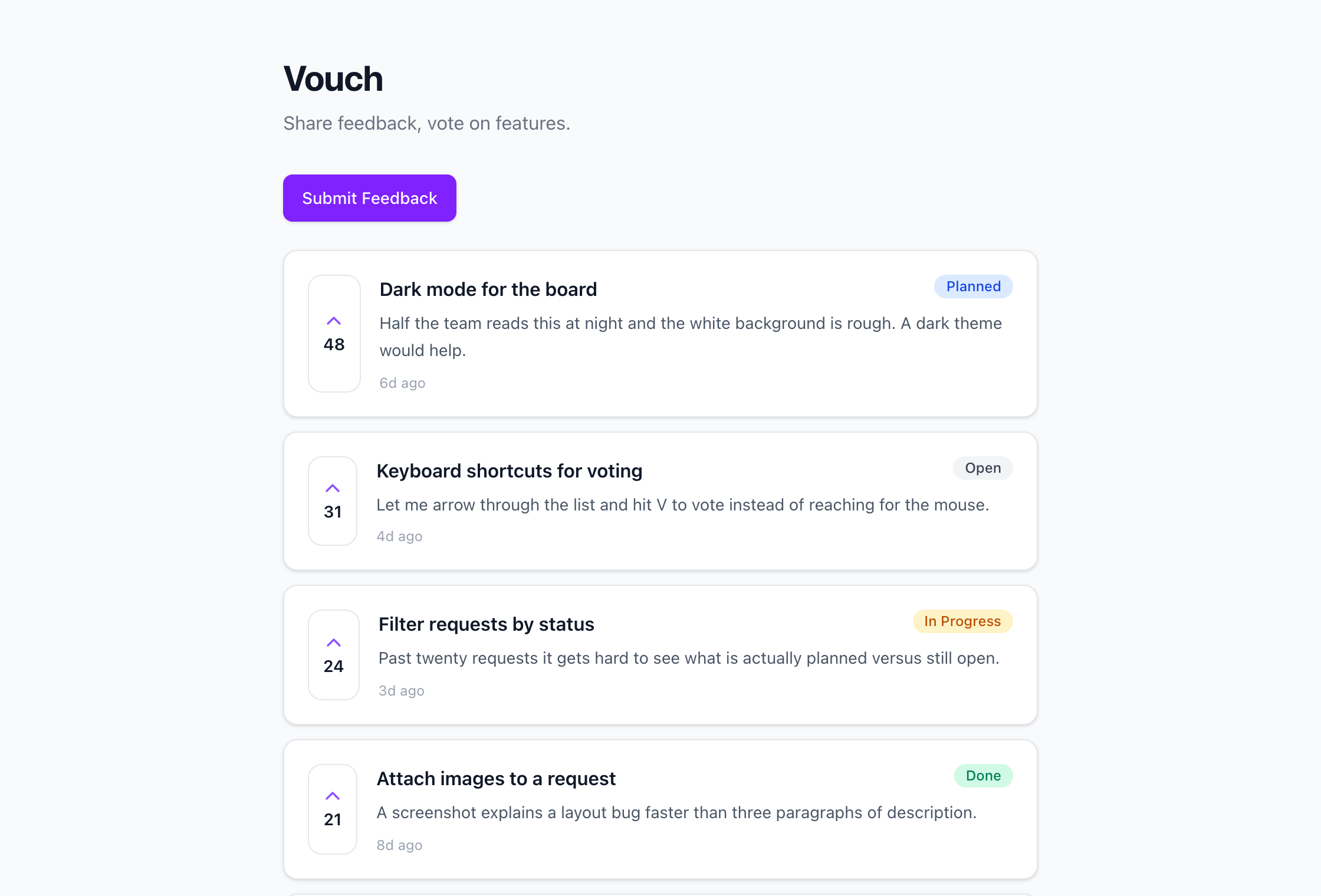
The board on its own domain, with the posts stored in the linked database.
Now click the database node on the canvas and open the Tables tab. Select posts and you're looking at the rows you just created, straight from the dashboard.
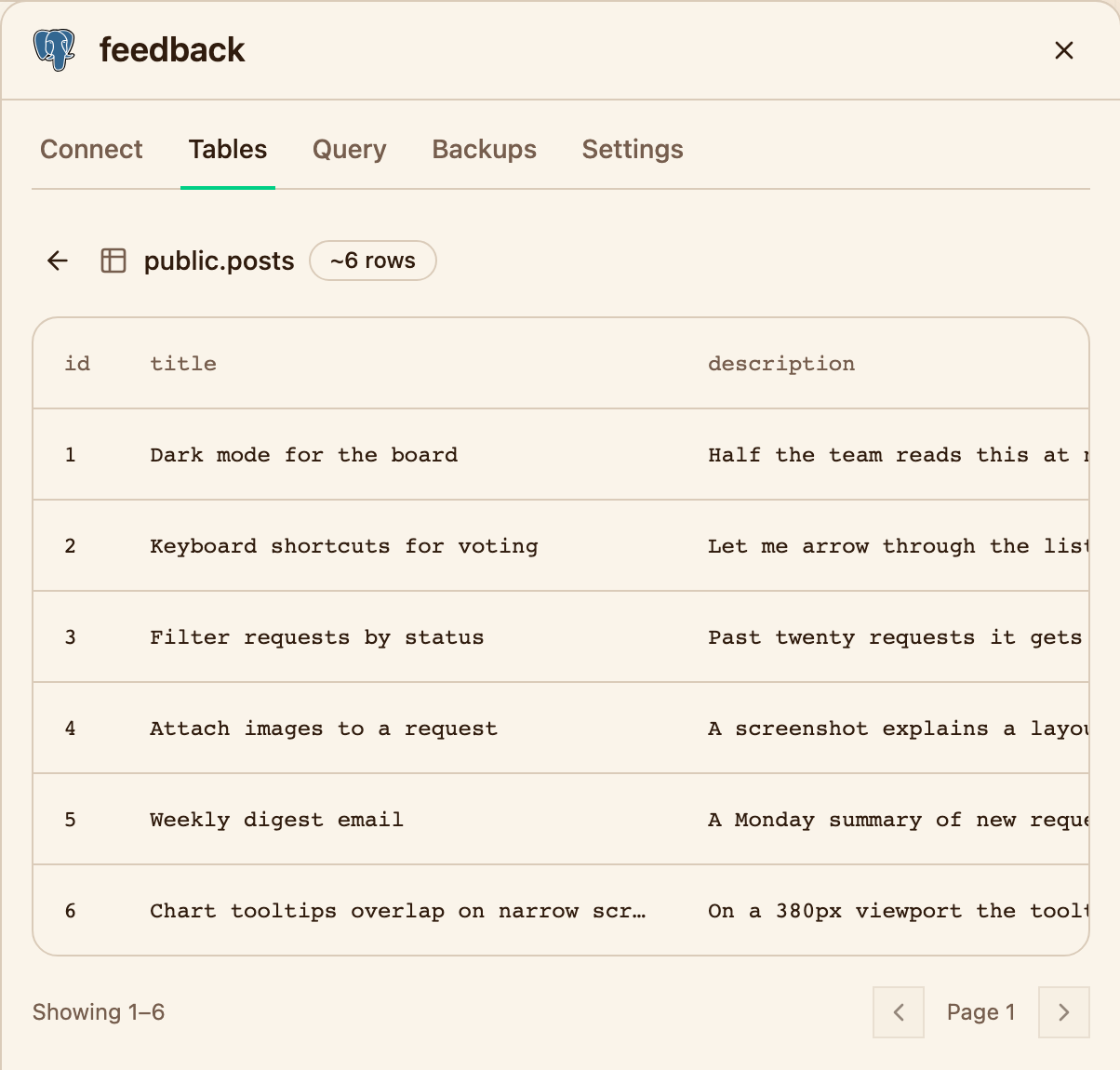
The Tables tab reads straight from the running database.
Add an object storage bucket
Vouch can attach images to posts once it has somewhere to put them. On the canvas, click Create, choose Bucket, and name it attachments. That is an object storage bucket: S3-compatible, private by default.
Back in the service's Variables tab, add five more variables, each linked to the Object Storage: attachments group:
| Variable | Linked to |
|---|---|
S3_BUCKET | bucket |
S3_ACCESS_KEY_ID | accessKeyId |
S3_SECRET_ACCESS_KEY | secretAccessKey |
S3_ENDPOINT | endpoint |
S3_REGION | region |
Save and reload the app. The feedback form now has an Attach image control. Submit a post with an image, then open the bucket node on the canvas and go to the Files tab. Your upload is sitting there under uploads/.
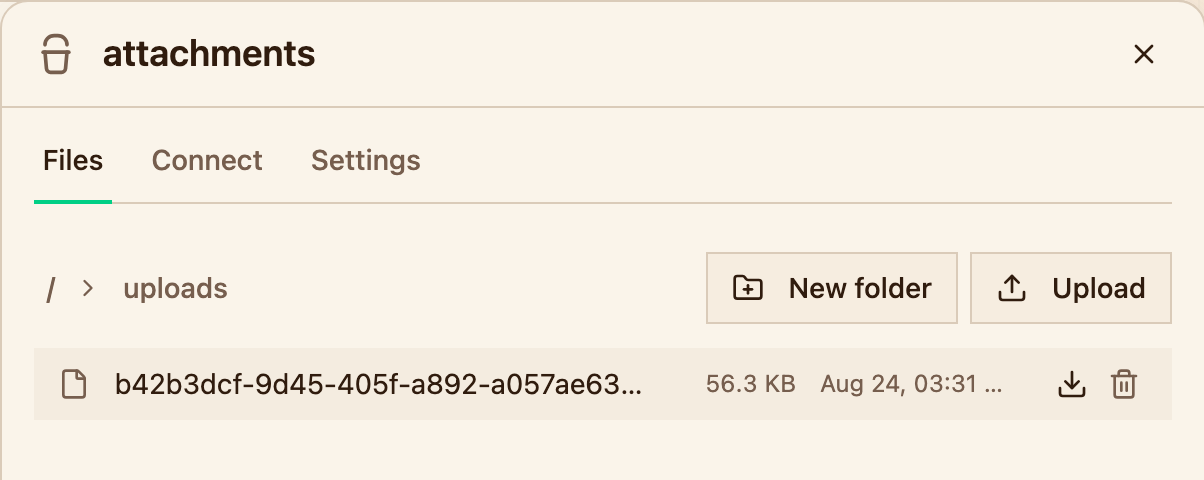
Uploads land in the bucket under the uploads/ prefix.
What you just built
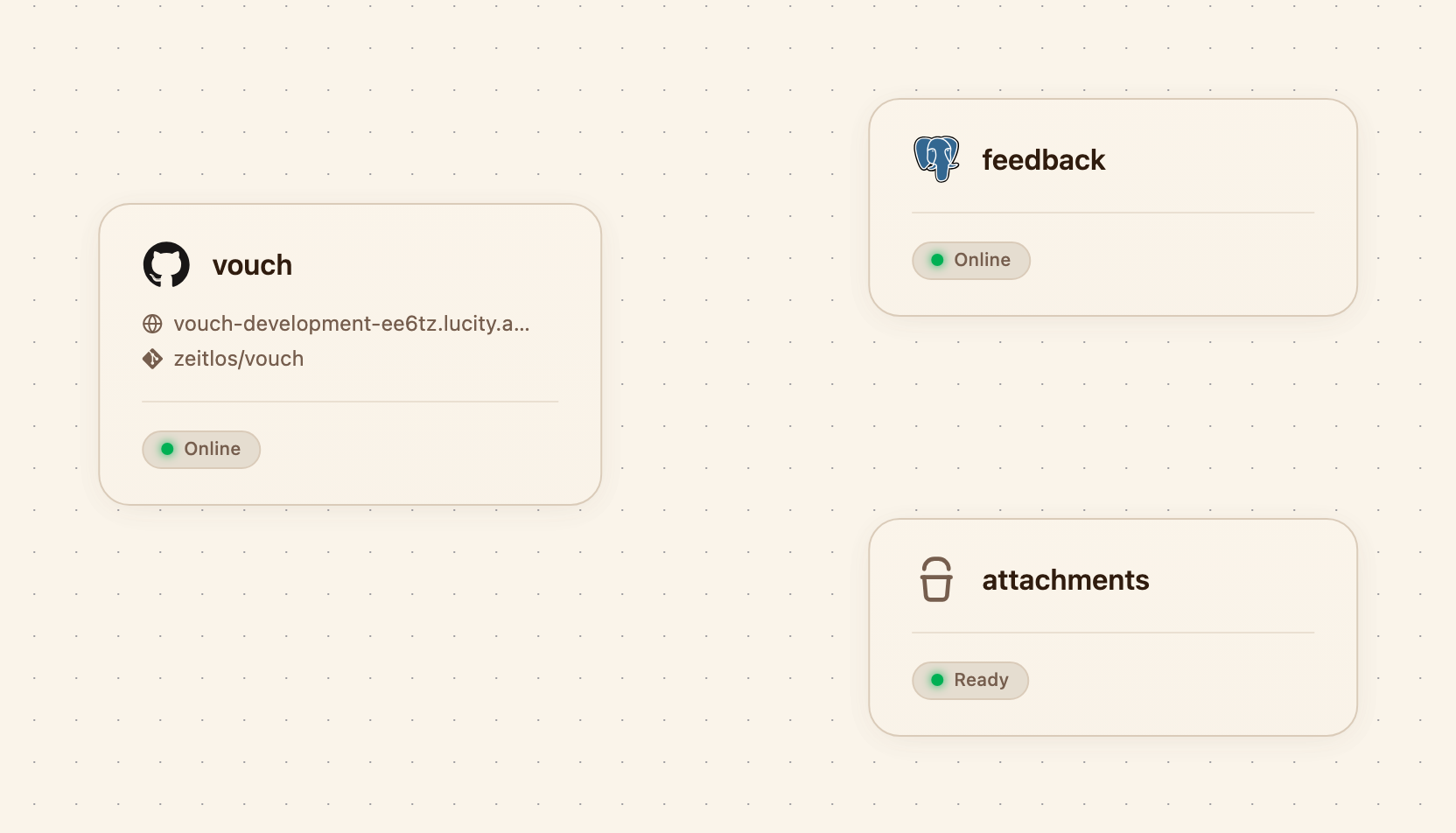
One service, one database, one bucket, all in the development environment.
Three resources, wired together:
- A Next.js service, built from source and served over HTTPS on its own domain
- A PostgreSQL database, provisioned and connected through a dynamic variable
- An S3-compatible bucket, holding user uploads
The service is the only piece with a public address. The database answers on a private hostname that exists inside the environment and nowhere else, and the bucket only opens up to the scoped credentials Lucity injects into the service. Nothing behind the app is reachable from the internet unless you decide to expose it.
You wrote no Dockerfile, no Helm values, and no CI config. And none of it is trapped here: everything above is a standard Helm release, a standard PostgreSQL cluster, and a standard bucket. If you ever want to run it yourself, eject hands you the whole setup.